Know exactly what your UPS is doing — before power becomes a problem.
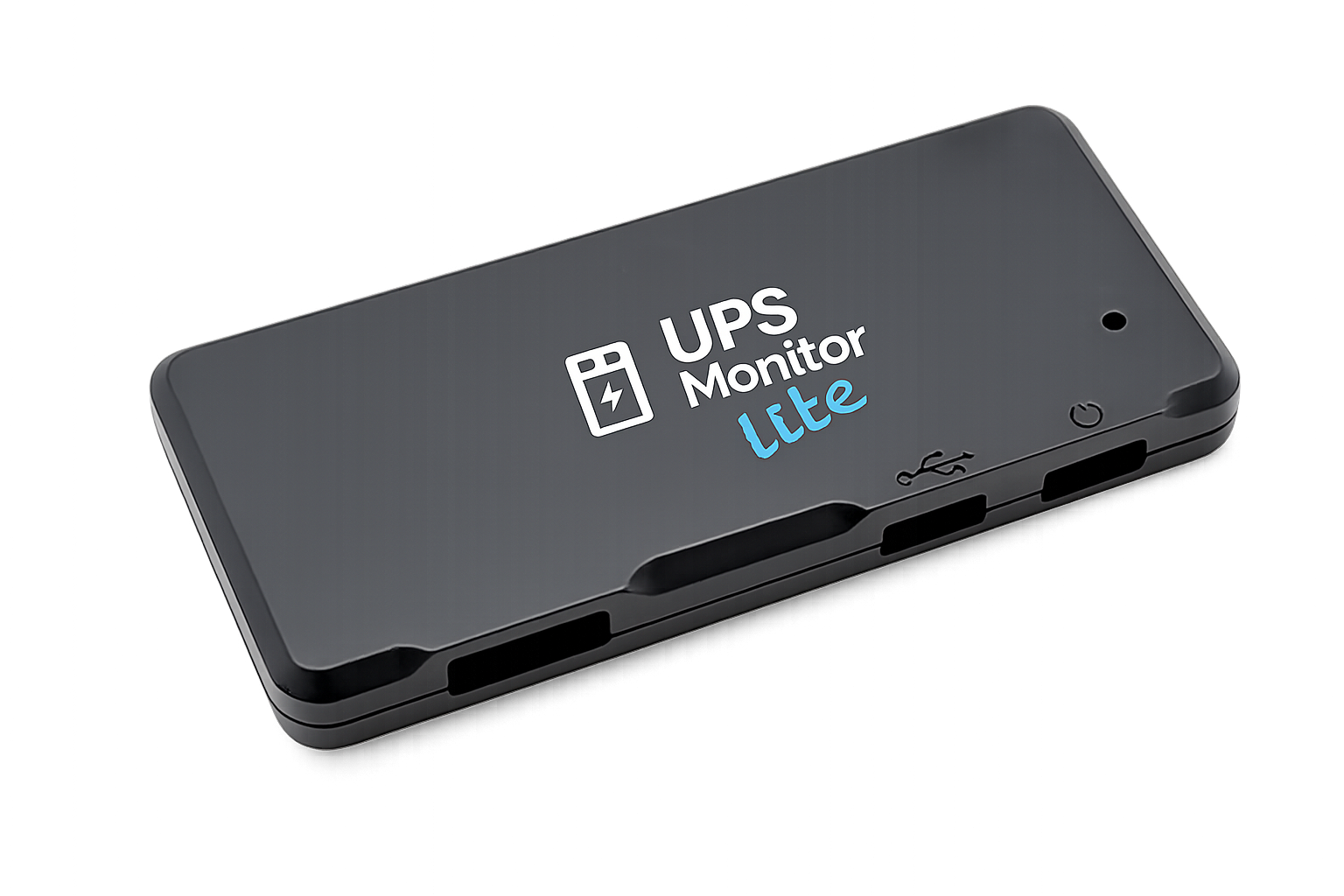
UPS Monitor Lite is a tiny OEM hardware device that monitors your APC UPS, exposes a clean web-based configuration portal, and pushes status updates and events to your automation stack.
Built for clear monitoring and automation
UPS Monitor Lite provides full transparency of your APC UPS: live metrics, clear state changes, and reliable event notifications.
Continuous status updates
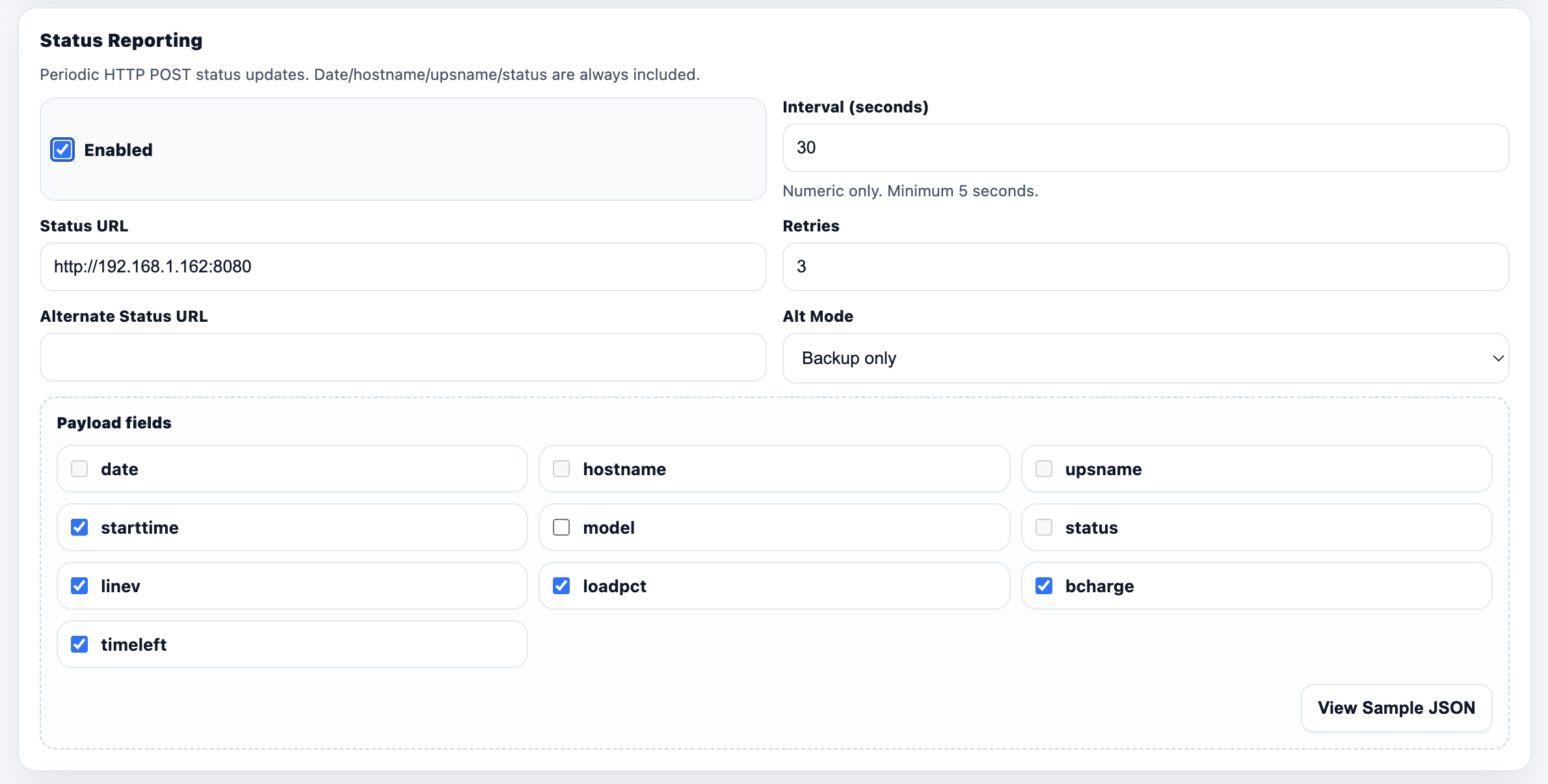
Send periodic JSON status: charge, runtime, line voltage, load and state — perfect for dashboards and logging.
Events with cooldowns
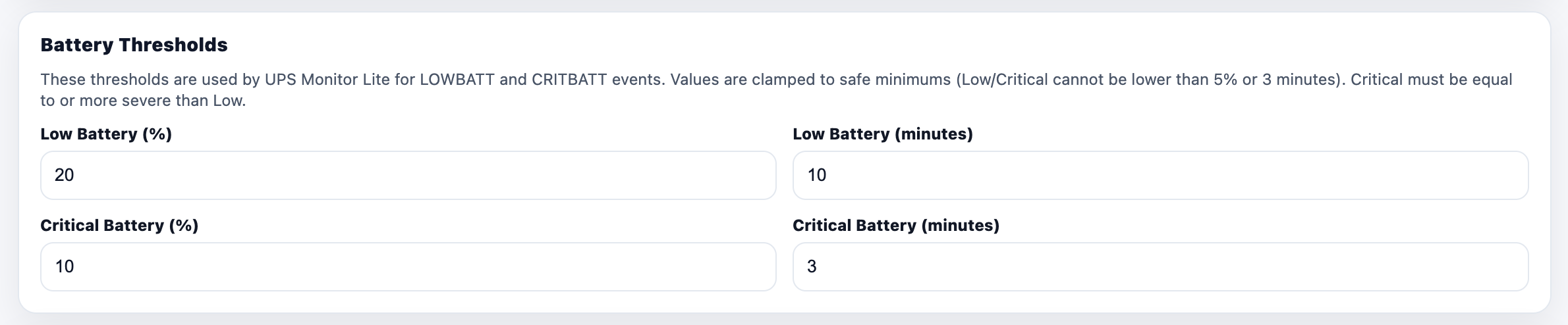
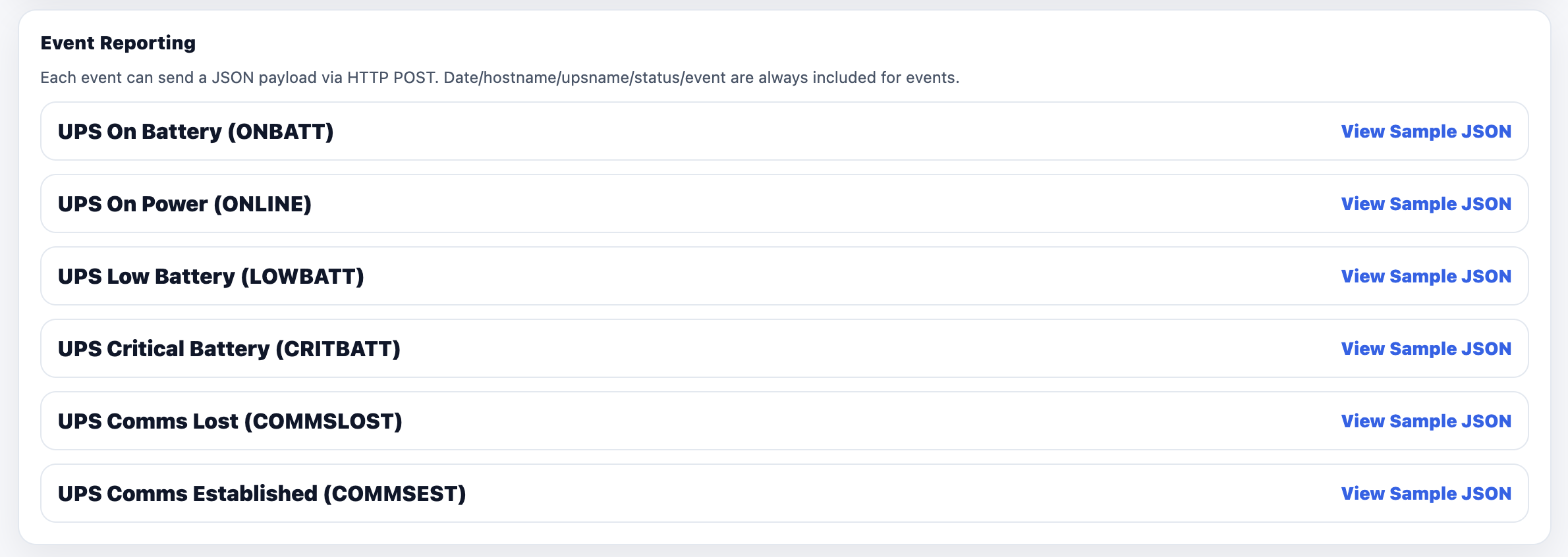
ONBATT, ONLINE, COMMSLOST/COMMSEST, LOWBATT and CRITBATT with debouncing and per-event cooldown.
Factory Mode onboarding
First boot broadcasts a temporary Wi-Fi AP. Connect, choose Wi-Fi, set hostname, reboot into normal mode.
Local HDMI dashboard
Immediate local visibility: device identity, configuration URL, Wi-Fi strength, UPS state, charge, runtime, last event.
Backup & restore
Download a backup bundle, restore application settings in one click, or selectively restore hostname/UPS/Wi-Fi/network. Wi-Fi passwords are never stored.
OEM updates
Check for updates, download bundles, upload and install. The UI refreshes automatically.
Designed to be boring (in the best way)
Deterministic onboarding, clean observability, and resilient operation — the piece you forget about until you really need it.
- ✓Local-first setup and control
- ✓Automation-ready via simple webhooks
- ✓OEM UX from factory boot to daily operation
States you can trust
Consistent event boundaries and payloads for monitoring and automation.
How it works
UPS Monitor Lite reads UPS telemetry locally and emits clean JSON to your endpoints. Setup is designed to be simple — even when the device is brand new.
Factory Mode onboarding (first boot)
Connect to the device AP, browse to http://192.168.1.1, select Wi-Fi and choose a hostname. The device reboots into normal mode.
- ✓Step 1 — Connect to UPS Monitor Lite AP
- ✓Step 2 — Browse to http://192.168.1.1
- ✓Step 3 — Configure Wi-Fi + hostname
- ✓Step 4 — Save & reboot
Example status payload
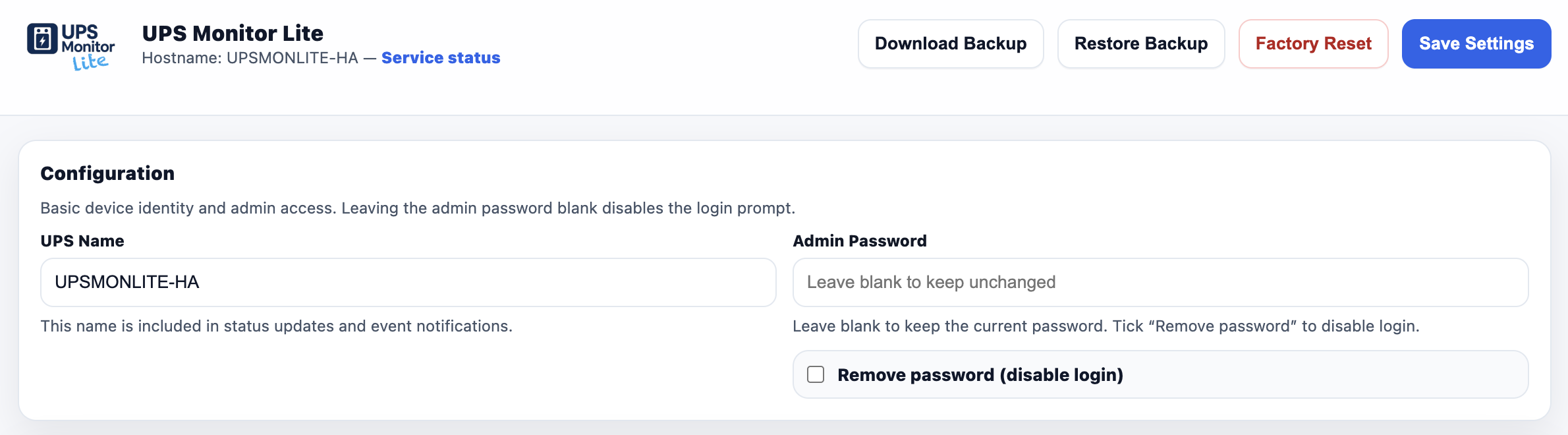
Configuration portal screenshots
Web-based configuration portal, alongside local HDMI status dashboard.
Use case: Home Assistant resilience
Monitor the APC UPS powering your Home Assistant server and trigger automations during outages and low battery conditions.
Home Assistant server on an APC UPS
When mains power fails, Home Assistant can reduce load, notify family, and shut down cleanly before battery exhaustion. UPS Monitor Lite provides the real-time signal that makes those automations reliable.
FAQ
Short answers to the questions installers and users actually ask.
Does UPS Monitor Lite store my Wi-Fi password in backups?⌄
No. Backups store SSID and network parameters but never include Wi-Fi secrets. Restores will prompt for the password if Wi-Fi is being applied.
What happens in Factory Mode?⌄
The device broadcasts a temporary Wi-Fi access point. Connect, configure Wi-Fi + hostname, then reboot into normal mode.
Can I integrate with Home Assistant?⌄
Yes — point status/event URLs to a Home Assistant webhook (or any endpoint) and use the payload to trigger automations.
Get started
Plug in your UPS Monitor Lite, connect to the Factory Mode Wi-Fi AP, browse to http://192.168.1.1, configure your network, then point status/event URLs at your automation endpoints.